 Zal Interactive
Nebula
Compare fog with the scene
Open Nebula Demo.unity in the imported Nebula Demo folder and enter Play mode. First complete the renderer setup in Nebula’s main Documentation.pdf; importing a sample does not add a renderer feature to your project.
Click Next or Previous to change arrangements. Click FOG: ON to disable fog and compare the same scene; the button becomes FOG: OFF. Click it again to restore fog.
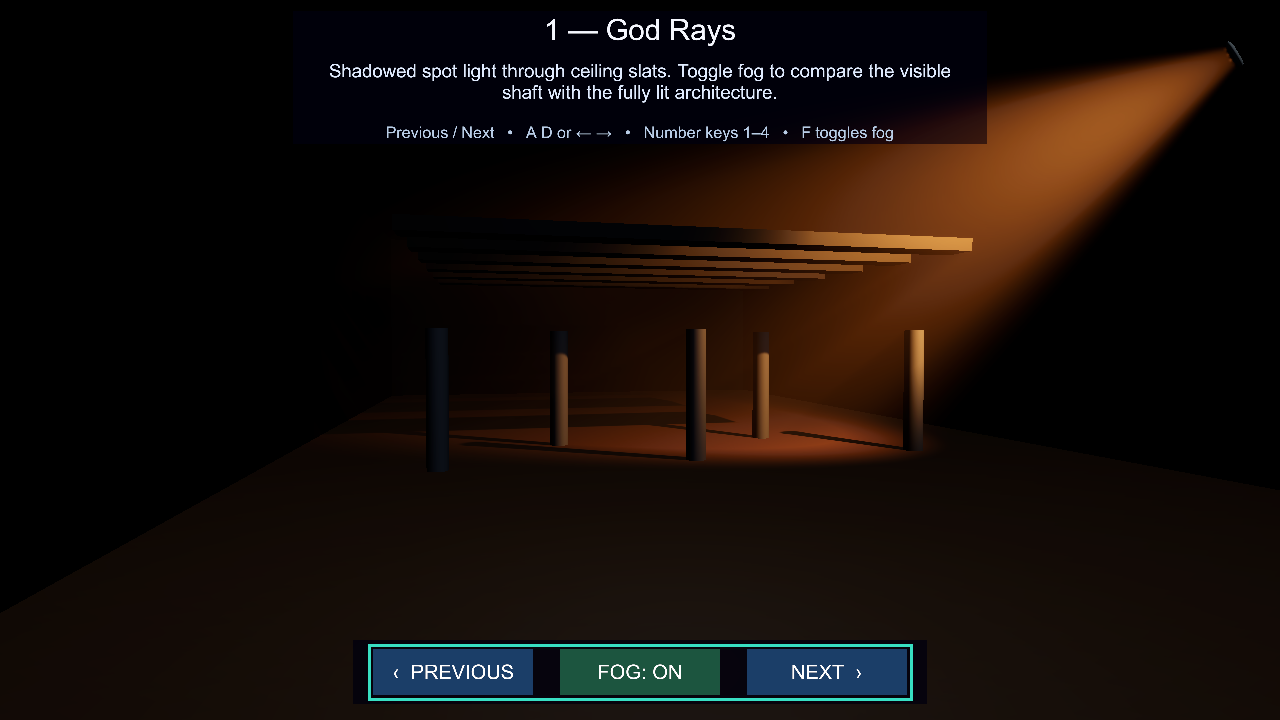
Figure 1
The keyboard equivalents are Left/Right or A/D, number keys 1-4, and F for fog. Non-selected arrangements are disabled during Play mode, so their lights do not spill into the selected example.
The first arrangement, God Rays, uses a shadowed Spot light through ceiling slats. With fog off you still see the architecture; with fog on, the beam appears between the light and the receiving surfaces.
The control script is Scripts/NebulaDemoCameraSwitcher.cs beside this sample scene. It changes viewpoints and creates runtime profile instances for the fog comparison.
Compare dense fog
Press 2 for Dense Horror Fog. Height attenuation and animated noise shape the haze between the lamps. Press F to compare how much distant geometry the fog obscures.
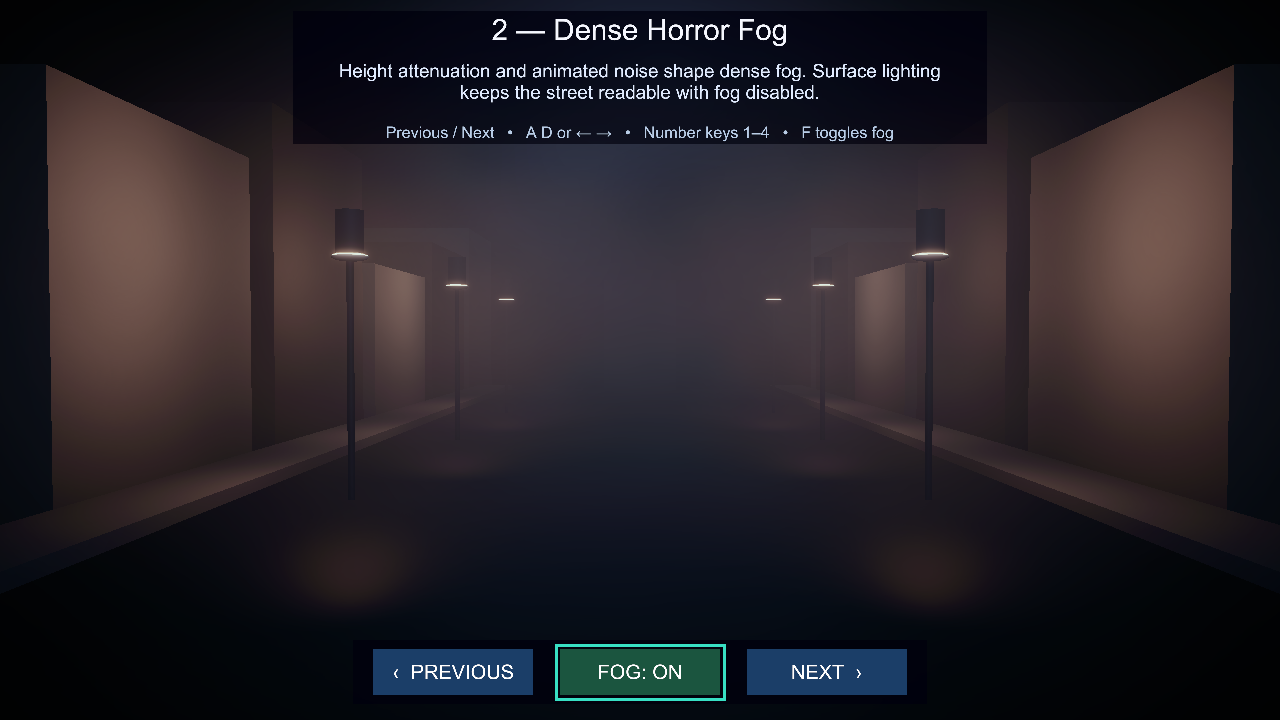
Figure 2
Inspect lights and cookies
Press 3 for Lights and Shadows: from left to right, the scene shows directional shadows, a cyan Point light, a responsive shadowed Spot light, and a fog-only Spot light.
Press 4 for Light Cookies. Two Spot-light cookies project a window grid and an organic pattern through fog and onto the receivers.
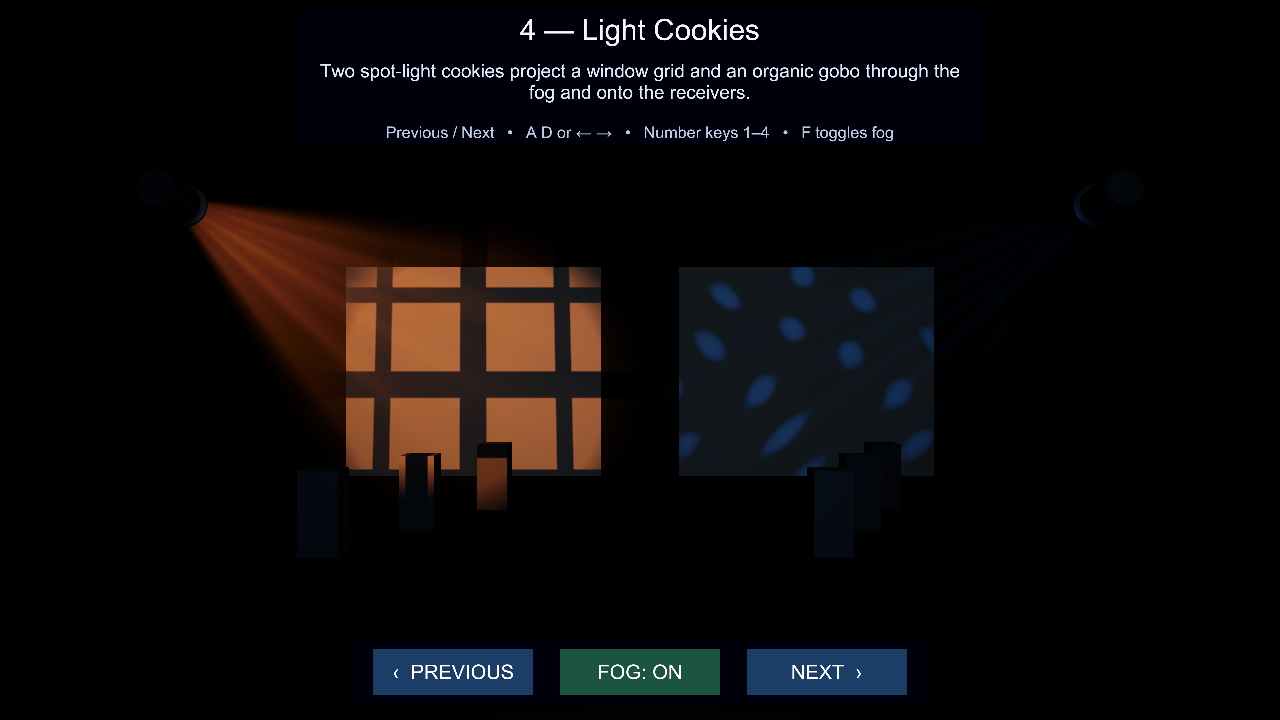
Figure 3
The shared surface Directional Light is excluded from Nebula. It keeps the geometry readable during comparisons without adding another fog-lighting contribution.